How Small Businesses Should Evaluate WhatsApp Business API Platforms for Meta Business Partner Integration
Picking the wrong WhatsApp Business API provider can get your number banned. Some platforms resell access without official Meta Business Partner status, leaving small businesses to absorb the risk when message delivery drops or accounts get flagged.
This article explains what Meta Business Partner verification actually confirms, which pricing models hide markups, and how to judge setup speed, uptime, and automation features. You will also get a checklist of questions to ask before committing, plus a clear look at how Com.bot fits the partner model.
Why Meta Business Partner Status Matters for Small Businesses
For small businesses, selecting a WhatsApp Business API provider is a critical decision that impacts customer communication, compliance, and long-term costs. The WhatsApp Business API is not something a business can sign up for directly. Access is granted only through a WhatsApp Business Solution Provider, commonly called a BSP.
Because that provider sits between a business and Meta, its legitimacy shapes everything downstream. Meta Business Partner status is one of the clearest signals that a BSP has been vetted and authorized to deliver official API access.
For a small team without dedicated compliance or engineering staff, this matters more than it does for large enterprises. A partner-backed provider reduces the guesswork around setup, account safety, and ongoing support. The sections below explain what that status confirms and what can go wrong without it.
What Official Meta Business Partner Verification Actually Confirms
Official Meta Business Partner verification confirms that a provider has met Meta's rigorous technical and business requirements to offer WhatsApp Business API services. The process is not a formality. Providers must show technical competence, security compliance, and enough business stability to support clients over time.
For a small business, that translates into several practical assurances:
- Official API access through a recognized channel, rather than a workaround
- Adherence to Meta's data privacy and security standards
- A direct line to Meta for escalations, policy questions, and platform changes
- Confidence that the provider can properly manage a WhatsApp Business Account (WABA) and phone number verification
Verification also covers how a provider handles core API mechanics. That includes message templates, template approval workflows, session messaging within the 24-hour window, and accurate message delivery status reporting.
Perhaps the most useful part for a small business is validation. Verified partners appear in the Meta Partner Directory, a public listing that anyone can check. Before committing to a platform evaluation, a quick search there confirms whether a provider's claims hold up. If a company is not listed, that alone is worth questioning.
Risks of Choosing Non-Partner API Providers
Opting for a non-partner API provider can expose small businesses to significant risks, including account bans and unreliable message delivery. These providers often rely on unofficial APIs or shared access arrangements that Meta does not sanction.
Common problems include:
- No official support. When something breaks, there is no escalation path to Meta, leaving issues unresolved for days.
- Policy violations. Unofficial access can breach Meta's terms, putting a WhatsApp Business Account at risk of suspension.
- Phone number blacklisting. Numbers tied to unofficial APIs have been blocked, cutting off a business from its customers entirely.
- Hidden fees. Unclear pricing around conversation-based or per-message billing can inflate costs well beyond what was quoted.
- Poor deliverability. Messages may fail silently, with no reliable delivery status to diagnose the cause.
The damage is rarely limited to one channel. A suspended WABA disrupts customer engagement, breaks business communication workflows, and can take weeks to restore. For a small business, that downtime is difficult to absorb.
The safeguard is simple. Before signing with any BSP, verify its status in the Meta Partner Directory. Treat that check as a non-negotiable step in every platform evaluation, alongside pricing, throughput limits, and API rate limits.
Core Evaluation Criteria for WhatsApp Business API Platforms
When evaluating WhatsApp Business API platforms, small businesses should focus on three core criteria: pricing transparency, setup speed, and reliability.
Each criterion directly shapes the total cost of ownership and the day-to-day efficiency of your messaging solution. A platform that looks affordable upfront may hide markups or slow onboarding delays.
The subsections below break down what to check, what questions to ask providers, and how each factor affects a growing business.
Pricing Transparency: Per-Conversation Fees, Markups, and Hidden Costs
Pricing transparency is crucial because some providers add markups to Meta's conversation fees or charge hidden costs for messages, templates, or support. Meta uses a conversation-based pricing model, where fees depend on the conversation category and a rolling 24-hour window.
Within that window, a customer-initiated conversation and a business-initiated conversation are billed differently. Meta publishes its own rates by category, so you can compare any provider's quote against those baseline numbers.
To spot markups, ask the provider to show how their rates map to Meta's published rates. A legitimate WhatsApp Business Solution Provider (BSP) should be able to explain the difference between pass-through pricing and added margin.
Common hidden costs to watch for include:
- One-time setup or onboarding fees
- Per-message surcharges on top of conversation pricing
- Template submission or approval fees
- Charges for adding extra team members or seats
- Support fees for account management or troubleshooting
Request a detailed pricing breakdown in writing. Specifically ask whether conversation fees are passed through at cost or marked up, and how Meta billing and your payment method are handled.
Also confirm what happens during low-volume months. Some platforms bundle minimum monthly commitments that only surface after signing. A clear, itemized quote protects your margins as message volume grows.
Setup Speed, Onboarding Support, and Technical Requirements
Setup speed and onboarding support can significantly affect how quickly a small business can start using WhatsApp for customer engagement. The typical process involves several steps that must be completed in order.
First comes phone number verification and creation of your WhatsApp Business Account (WABA). Next, you submit message templates for approval, and those templates must meet Meta's content rules before they can be used.
Where providers differ is in how much of this work they handle for you. Some offer guided onboarding with a dedicated contact who walks you through each step. Others provide documentation only, expecting you to manage the technical work yourself.
Technical requirements vary by platform and can include:
- API integration effort, from simple dashboard setup to custom development
- Whether a developer is needed for initial connection and ongoing maintenance
- Compatibility with your existing CRM, help desk, or e-commerce systems
Setup timelines range widely. Some businesses go live in hours, while others take weeks when template approvals or system integrations stall. Ask each provider about their average onboarding time and the support channels available during setup.
For a small team without in-house engineers, a platform that offers hands-on guidance is often worth more than one that only ships raw API access.
Reliability: Uptime, Message Delivery Rates, and Scalability
Reliability is non-negotiable for business communication, as downtime or delayed messages can lead to lost sales and customer dissatisfaction. Three metrics matter most when comparing platforms.
Uptime percentage measures how often the service is available. Experts generally recommend aiming for 99.9% or higher, since every minute of downtime is a minute customers cannot reach you.
Message delivery rates track how many accepted messages actually reach recipients. For accepted messages, this rate should be near 100%. A drop here often signals infrastructure problems on the provider's side.
Scalability determines whether the platform holds up during peak volumes, such as a holiday promotion or product launch. API rate limits and throughput caps dictate how many messages you can send per second, so confirm those limits match your busiest periods.
Ask providers for two things:
- A service level agreement (SLA) that states uptime commitments and remedies
- A public status page showing historical performance and past incidents
Poor reliability hits small businesses hard. A missed order confirmation or a delayed support reply can push a customer to a competitor. Message delivery status tracking helps you catch failures early, but prevention through a dependable provider is better than cleanup afterward.
Review SLAs carefully. Some exclude scheduled maintenance windows, which can hide recurring downtime from the headline uptime figure.
Features That Drive ROI for Small Teams
For small teams, the right features can automate routine tasks, centralize communication, and enable new revenue streams like payments. Not every feature on a platform's pricing page delivers equal value when staff time is limited.
The highest-return capabilities tend to fall into a few categories: a unified inbox, support for channels beyond WhatsApp, automation and chatbots, and payment collection inside the chat. Each one reduces manual effort or opens a new way to earn revenue.
When comparing WhatsApp Business API platforms for Meta Business Partner integration, weigh these features against your actual daily workload. A tool that solves a problem your team faces every day usually pays back faster than one with an impressive but rarely used feature list.
Unified Inbox and Multi-Channel Support Beyond WhatsApp
A unified inbox that consolidates messages from WhatsApp, Facebook Messenger, Instagram DM, and web chat allows small teams to manage all customer conversations in one place. Instead of switching between apps, staff see every thread in a single view.
This matters most when a team is small. Research suggests that faster first response times correlate with higher customer satisfaction, and a shared inbox helps agents reply sooner because nothing sits unseen in a separate app.
Key benefits of a consolidated view include:
- Fewer missed messages, since every channel feeds into one queue
- Shorter response times, as agents no longer check multiple tools
- A single history of each customer's interactions across channels
- Easier handoffs when one team member takes over from another
Multi-channel support also extends reach. A customer who prefers Instagram may never message a business on WhatsApp, so covering both channels widens the pool of people you can engage. A small retailer, for example, might answer a WhatsApp product question, follow up on Instagram, and confirm an order through Messenger, all from one dashboard.
Watch the pricing carefully here. Some platforms include only WhatsApp in the base plan and charge extra for additional channels, which can change the total cost of ownership. Confirm which channels are bundled before committing, and check how each channel connects to your WhatsApp Business Account and Meta Business Partner setup.
Automation, Chatbots, and Payment Collection Capabilities
Automation and chatbots can handle common inquiries, qualify leads, and process payments, freeing up small teams to focus on high-value tasks. The goal is not to replace human agents but to remove repetitive work from their day.
Most platforms offer a few automation paths. A visual bot builder lets you design conversation flows without code. Pre-built templates speed up common scenarios like order status or business hours. AI-powered responses can draft replies or answer routine questions, though quality varies and should be reviewed before going live.
Payment collection is where automation often shows the clearest return. Depending on the platform and region, businesses can send a payment link inside a WhatsApp thread, confirm an order once payment clears, and request feedback afterward. Each step replaces a manual task that would otherwise consume staff time.
Practical uses for a small business include:
- Sending a payment link after a customer confirms interest
- Automatically confirming an order and sharing delivery details
- Collecting a quick rating or review after purchase
- Qualifying leads with a short set of questions before a human steps in
Remember that business-initiated messages outside the 24-hour window typically require approved message templates. Build that approval step into your automation planning, and confirm how the platform handles template submission and session messaging before you rely on it for revenue.
Com.bot as a Meta Business Partner Option: What Small Businesses Should Know
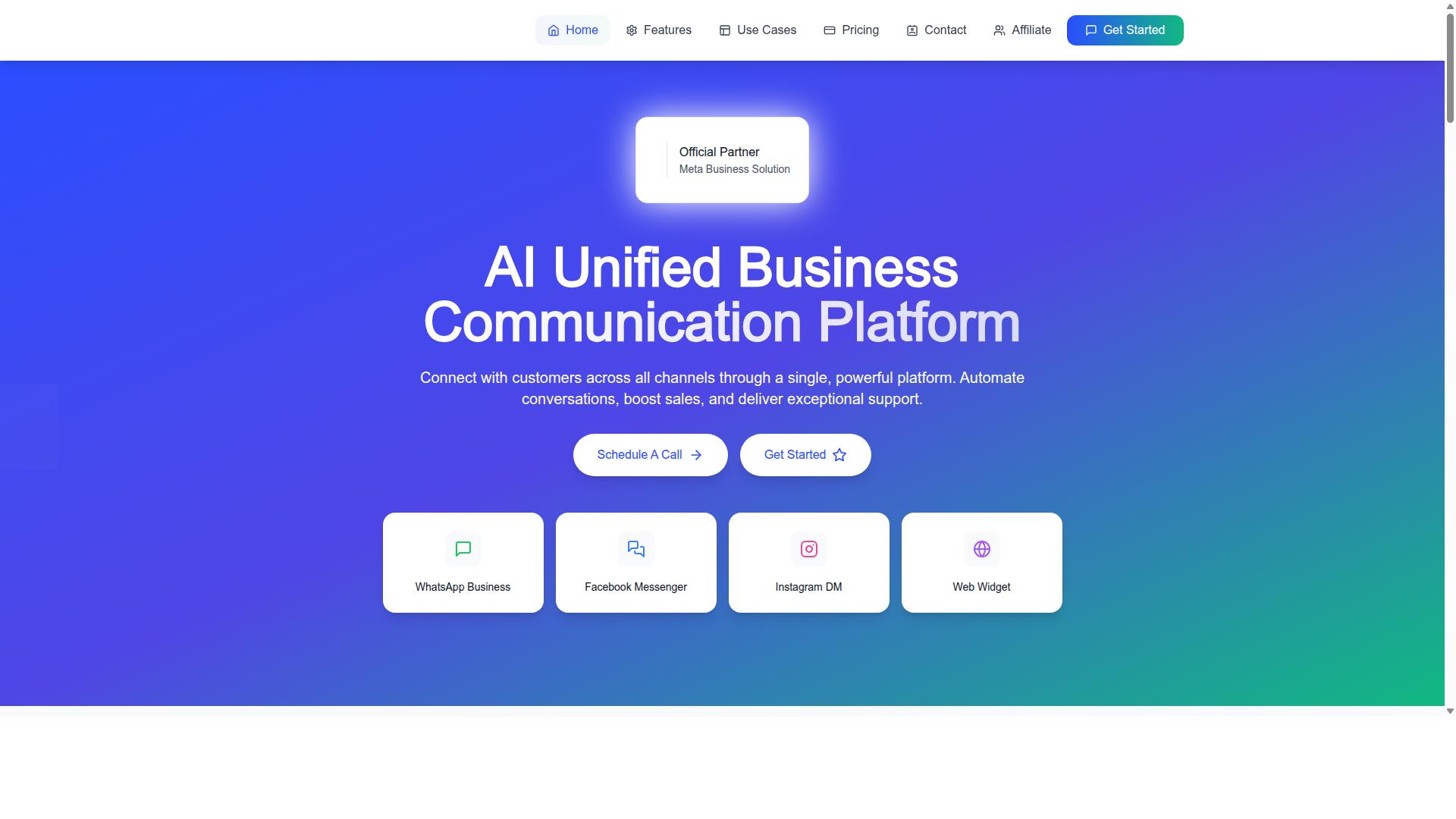
Com.bot is an official Meta Business Partner that offers a unified business communication platform with transparent pricing and global support. For small businesses weighing platform evaluation criteria, it serves as a useful case study of what official partner status looks like in practice. It connects WhatsApp Business, Facebook Messenger, Instagram DM, and a web widget through one platform, with direct WhatsApp Business API integration.
That direct integration matters because official API access typically flows through a WhatsApp Business Solution Provider or a partner listed in the Meta Partner Directory. Working with a Meta Business Partner can simplify onboarding, WhatsApp Business Account setup, and phone number verification. The details below cover what small businesses should examine most closely: pricing structure and support reach.
Plan Pricing, Add-Ons, and No-Markup Conversation Model
Com.bot offers three quarterly plans: Silver at $149, Gold at $349 (recommended), and Platinum V1 at $2500, with add-ons for additional team members, social channels, and external actions. Pricing is listed in USD, though the site offers an INR toggle, so businesses should confirm currency before committing.
Add-ons are priced at $10 per month for an additional team member, social channel, or 5,000 external actions. Bot triggers are available in blocks of 25,000, and an ecom store add-on is also offered. Dedicated support is billed separately at $49 per hour for WABA, CRM, and inbox help, and $99 per hour for ecommerce, bots, and automations.
The most important pricing detail for small businesses is how conversation costs are handled. Com.bot charges WhatsApp messaging at actual Meta rates with no markup. That means businesses pay Meta directly for conversations rather than paying a provider an inflated per-message rate.
This distinction deserves attention during platform evaluation. Some providers bundle Meta's conversation fees into their own pricing, which can obscure what you actually pay for messaging. With a no-markup model, the platform fee and the Meta conversation charges stay separate and easier to audit.
- Silver: $149 per quarter
- Gold: $349 per quarter (recommended)
- Platinum V1: $2500 per quarter
- Add-ons: $10 per month each for an extra team member, social channel, or 5,000 external actions
When comparing platforms, ask directly whether conversation-based pricing includes a provider markup. A clear answer here often reveals more about total cost than the headline plan price alone.
Global Availability and Support Coverage
Com.bot is available worldwide, serving businesses in over 50 countries with support during business hours and via multiple channels. For small businesses operating across borders, that global reach matters when customer engagement spans multiple regions and time zones.
Support is offered Monday through Friday, 9 AM to 6 PM IST. Businesses can reach the team through WhatsApp, phone, and email, which gives flexibility depending on the urgency of the issue.
Onboarding and technical support are also provided, which is relevant for teams without dedicated IT staff. Setting up a WhatsApp Business Account, completing phone number verification, and getting message templates approved can be fiddly steps. Having guided onboarding reduces the risk of stalling before the first message ever sends.
Small businesses should still map support hours against their own operating schedule. If most customer conversations happen outside 9 AM to 6 PM IST, plan for how urgent issues get handled in the gap. Self-serve documentation and template approval workflows can cover much of the routine work.
Between transparent plan pricing, a no-markup conversation model, and support across 50+ countries, Com.bot illustrates the criteria small businesses should apply when evaluating any WhatsApp Business API platform and Meta Business Partner.
Checklist: Questions to Ask Before Committing to a Platform
Before committing to a WhatsApp Business API platform, ask these 10 critical questions to ensure you choose a reliable, cost-effective solution. The answers reveal whether a provider is genuinely equipped to support a small business through Meta Business Partner integration, or simply reselling access with limited accountability.
Use this checklist during demos and sales conversations. Write down each answer and compare providers side by side before signing anything.
1. Are you an official Meta Business Partner? This matters because partner status signals that the provider has met Meta's requirements and appears in the Meta Partner Directory. A WhatsApp Business Solution Provider without that status may offer less reliable official API access.
2. What is your uptime SLA? Downtime directly interrupts customer engagement. A written service level agreement tells you what reliability to expect and what recourse you have if message delivery fails during peak hours.
3. Do you mark up conversation fees? Meta sets the base pricing for business-initiated and customer-initiated conversations. Some platforms add their own margin on top. Ask for a clear breakdown of conversation-based pricing versus any per-message pricing so you can forecast costs accurately.
4. How long does onboarding take? Setup involves creating your WhatsApp Business Account (WABA), phone number verification, and message template approval. A realistic timeline matters if you need the messaging solution live by a specific date.
5. What support do you offer, and during which hours? Ask about channels, response times, and whether help is available in your time zone. For reference, Com.bot operates Monday to Friday, 9:00 AM to 6:00 PM IST, with WhatsApp support available, and can be reached at +91 080 6987 1810 or sales@com.bot.
6. Who handles Meta billing and the payment method? Clarify whether you pay Meta directly or through the provider, and what happens if a payment fails. Billing confusion can lead to service interruptions.
7. What are your API rate limits and throughput? If your business sends high volumes of notifications or campaigns, rate limits determine how many messages you can send and how quickly. Confirm the limits before you scale.
8. Which features are included, and which cost extra? Ask about message templates, session messaging within the 24-hour window, delivery status reporting, and integrations with your existing tools. Feature gaps often surface only after you commit.
9. Can the platform scale with my business? Your needs will change as your customer base grows. Confirm the platform supports additional numbers, team members, and message volume without forcing a painful migration later.
10. What are the contract terms, and can I cancel anytime? Look for lock-in periods, notice requirements, and termination fees. Also ask directly about hidden fees: setup charges, per-seat costs, or charges for template edits.
For small businesses, the goal of platform evaluation is not finding the cheapest option. It is finding a provider whose partner status, pricing, support, and contract terms match how you actually communicate with customers.
If you would like help working through these questions, contact Com.bot for more information. Reach the team at sales@com.bot, call or message +91 080 6987 1810, or visit the head office at 501, Trinity Orion, Vesu Main Road, Surat - 395010, IN during business hours, Monday to Friday, 9:00 AM to 6:00 PM IST. WhatsApp support is also available.